
AutoMech
Your SolidWorks copilot.
Describe a change. Review the plan. Work on your active model with an assistant inside SolidWorks.
20 KD
Windows + your licensed SolidWorks installation.
Ask about the purchase terms and setup.
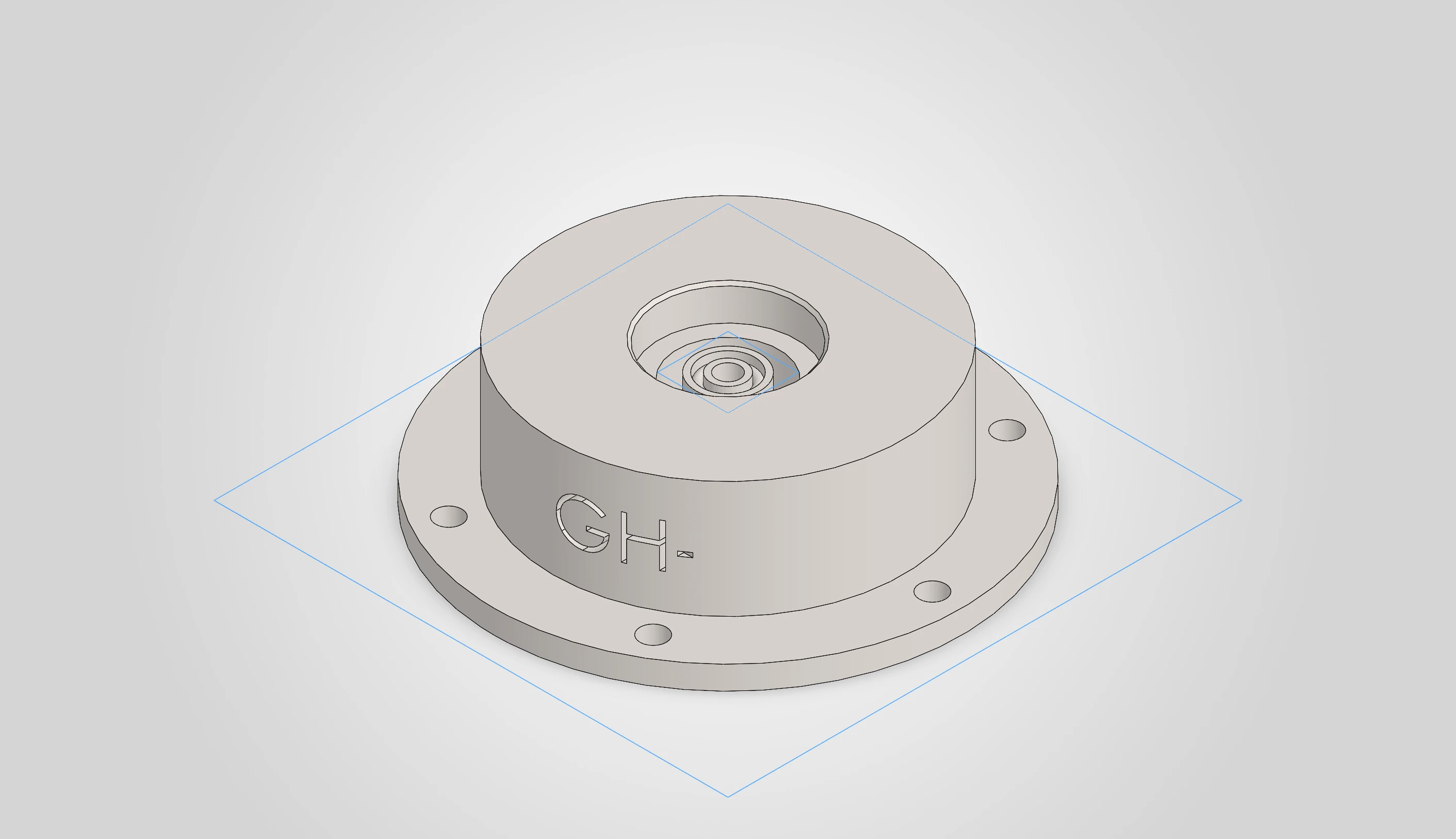
From a request
to a reviewed change.
- Read
- Inspect the active model’s features, dimensions, materials and mass properties.
- Review
- Check, revise or cancel proposed steps before they run.
- Change
- Assist with dimensions, materials, rebuilds and supported STEP/STL exports.
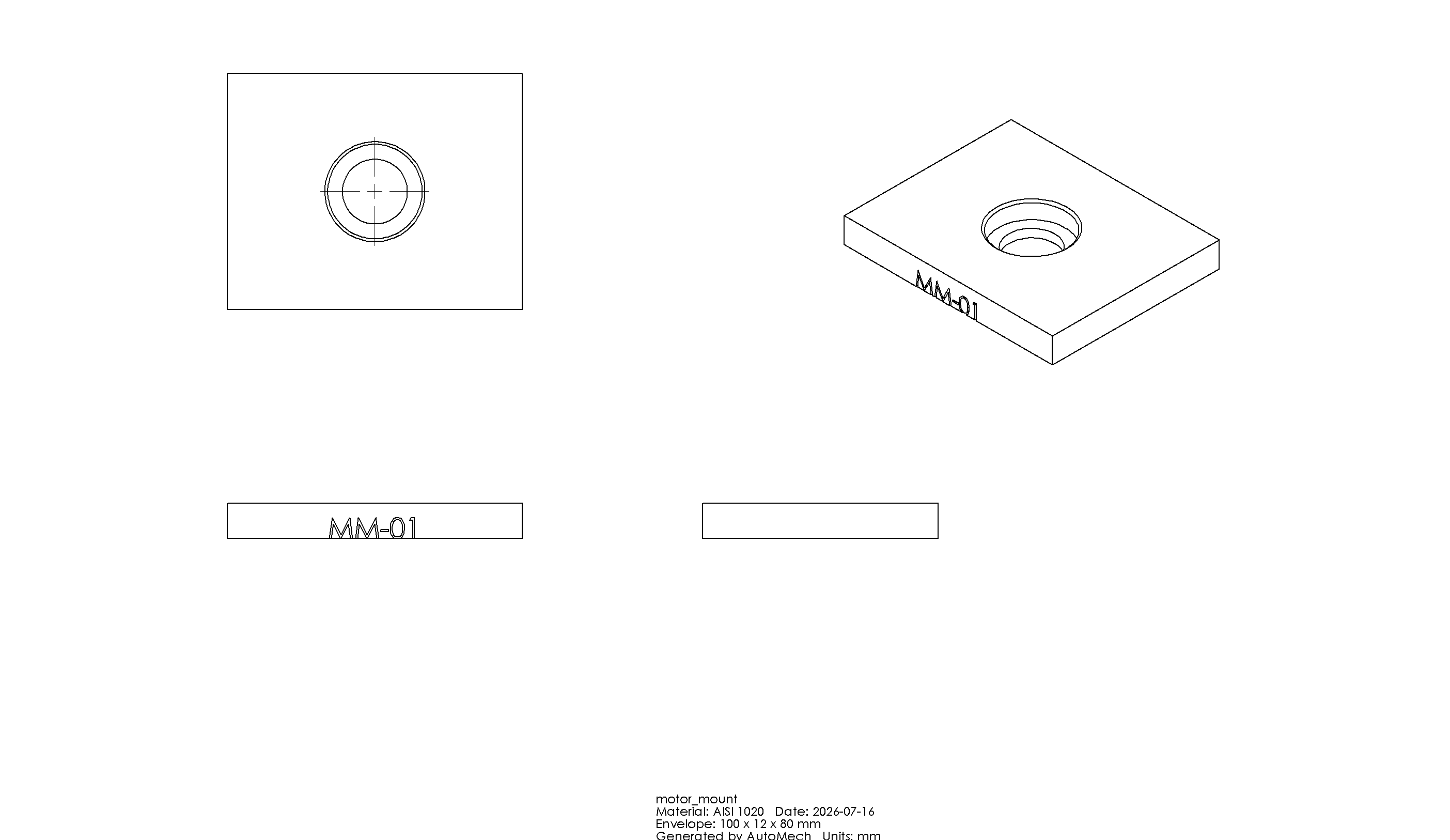
Your setup.
Is SolidWorks included?
No. You need a compatible Windows PC and your own licensed SolidWorks installation. AutoMech is an independent NZEUS LAB product, unaffiliated with Dassault Systèmes.
What about AI access?
AI planning and review need a configured provider connection. Provider charges and any specialist software licenses are separate.
How do I get it?
Request a demo with your SolidWorks version and a representative task. We’ll confirm compatibility, billing terms, installation and support before payment.
Does it replace engineering checks?
No. Review the geometry, assumptions and suitability of the output before manufacture. AutoMech assists your workflow; you remain responsible for the design.
Show me your workflow.
Let’s try AutoMech with a part or task that matters to you.